

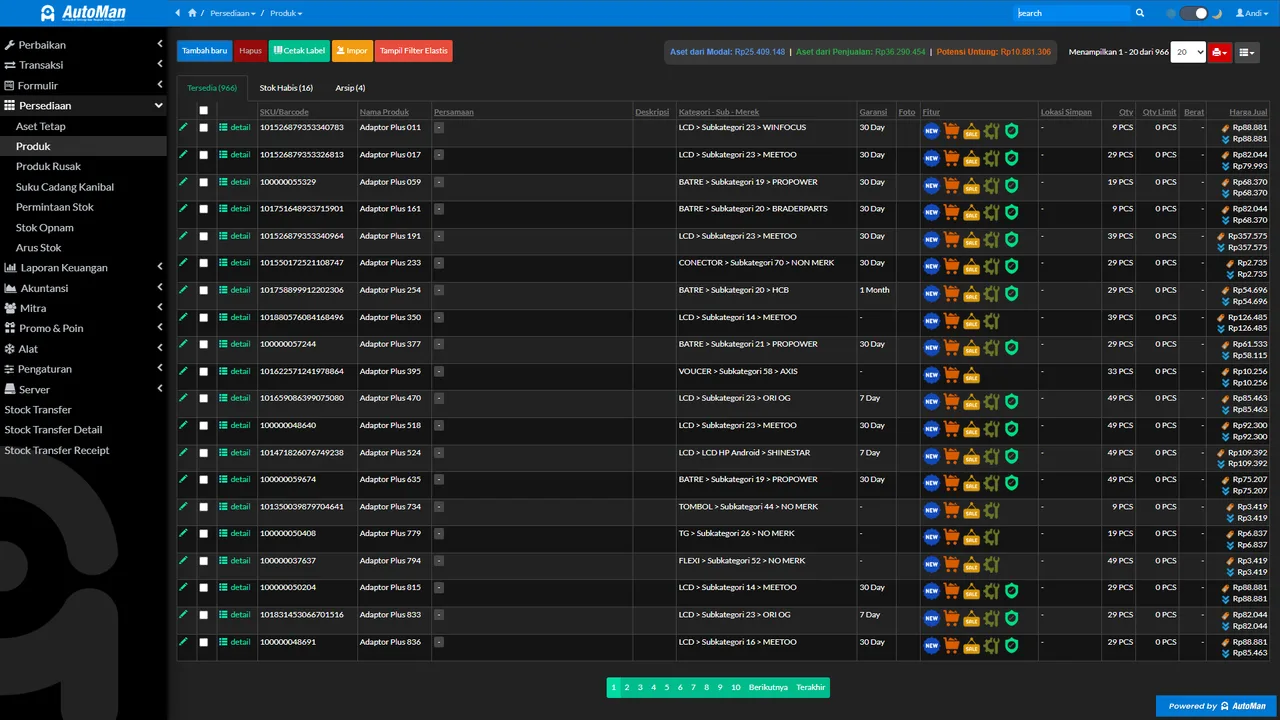
 An Automan screen related to this article.
The problem
Goods arrive from the supplier, but the part has never been registered in the product master. If the purchase entry has to stop so someone can create the product in another menu, the flow breaks — and too often the goods hit the shelf unrecorded.
The tip
Add the product straight from the purchase form. Stock can land right then, complete with its batch and cost.
Practical steps
- Open Purchases and look for the product via live search.
- Not found? Click quick-add product.
- Fill in the name, SKU, category, and unit — minimum data is enough.
- Save, then continue the purchase line with the newly created product.
When to use it
When buying a new kind of item, or when a product has never been bought/sold before. Details (photo, shelf, warranty) can be completed later from the product master.