

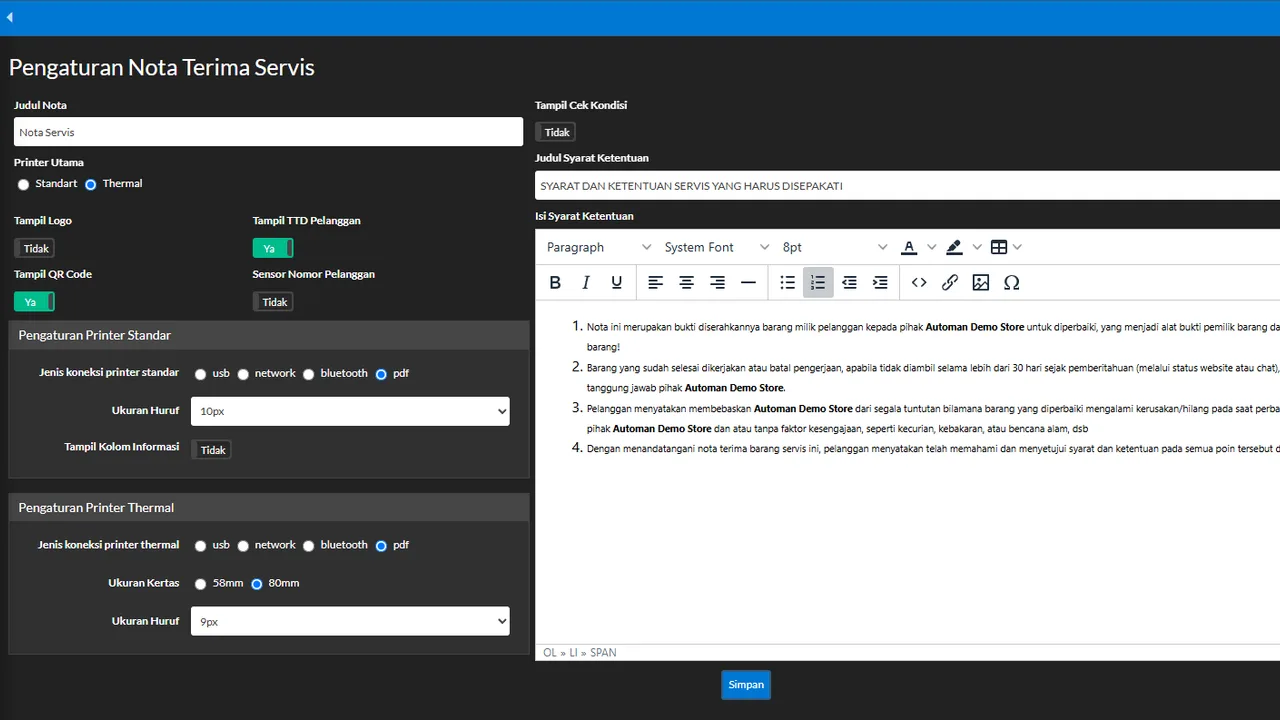
 An Automan screen related to this article.
The problem
By default, the Store App shows a small “Powered by Automan” label at the bottom of the app and on the public tracking page. Most shops never notice it — but shops that want to present fully under their own brand (or plan to resell Store Apps to others) usually want it gone.
The tip
The label isn’t removed through a display setting — it follows the Resell Store App module: once that module is installed and active on your Store App, the “Powered by Automan” label stops appearing, both in the app menus and on the customer tracking page.
One thing many owners never realize: your printed receipts are clean from day one — the label never prints on receipts at all, so customer-facing paper has always been in your shop’s name only.
Practical steps
- Open your Store App’s module management.
- Install and activate the Resell Store App module.
- Reload the app — the label at the bottom and on the tracking page disappears automatically, no extra settings.
- Want deeper branding? Combine it with the Whitelabel module to replace the app’s logos and identity (login, menu, favicon) with your own.
When to use it
Shops that treat their app as part of their brand image — or resellers building Store Apps to sell onward under their own name and pricing.