

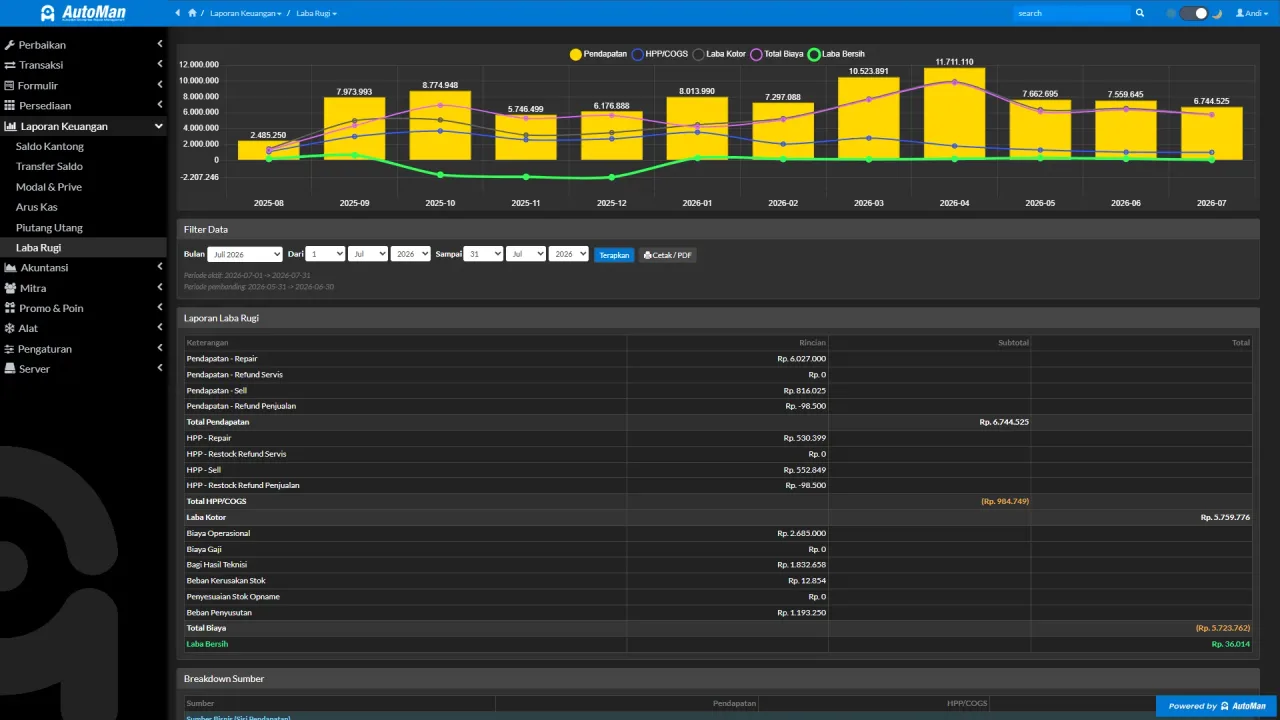
 An Automan screen related to this article.
“The report doesn’t match my count” is almost never a math error — it’s a difference in definition or scope between your manual tally and the report. Trace it in order; the gap usually shows up at one of these points.
Checking order
- Period filter. Does the report’s date range match your manual recap exactly? A one-day slip at either end is the number-one cause.
- Payment channels. Manual recaps often count only the cash drawer; the report counts every channel (bank, e-wallets). Compare like for like.
- Return transactions. Returns correct revenue and stock. A manual recap that doesn’t subtract returns will always read higher.
- Receivables & payables. A credit sale is recorded as revenue even before the money arrives — while manual notes usually record it only on payment. That’s a definition gap, not a math gap.
- COGS (cost of goods used). Report profit is already net of the batch costs actually consumed; manual counts usually use a rule-of-thumb cost.
- Payment date vs transaction date. Cash flow follows when money moved — yesterday’s invoice paid today lands in today’s cash.
Drill down, don’t argue totals
Where available, open the source transactions behind the number you doubt. Comparing one or two concrete transactions beats debating totals — and it usually reveals immediately which definition differs.
If the gap is real
If all six checks line up and the numbers still disagree, that’s when it’s worth reporting to support — include the period, the report in question, and an example suspicious transaction. How to read each report lives in owner reports.