

If you’re comparing repair shop software right now, your screen probably holds a few pricing tabs, and your eye is hunting one number: the monthly fee. Understandable — but that number is the smallest part of what you’ll actually pay.
This article offers a more honest frame for reading prices, so your decision doesn’t win on the fee and lose on the total.
The four real cost components
1. The subscription — the only one written on the pricing page. Compare it fairly: what’s included (how many users, which modules, any transaction caps), not just the figure.
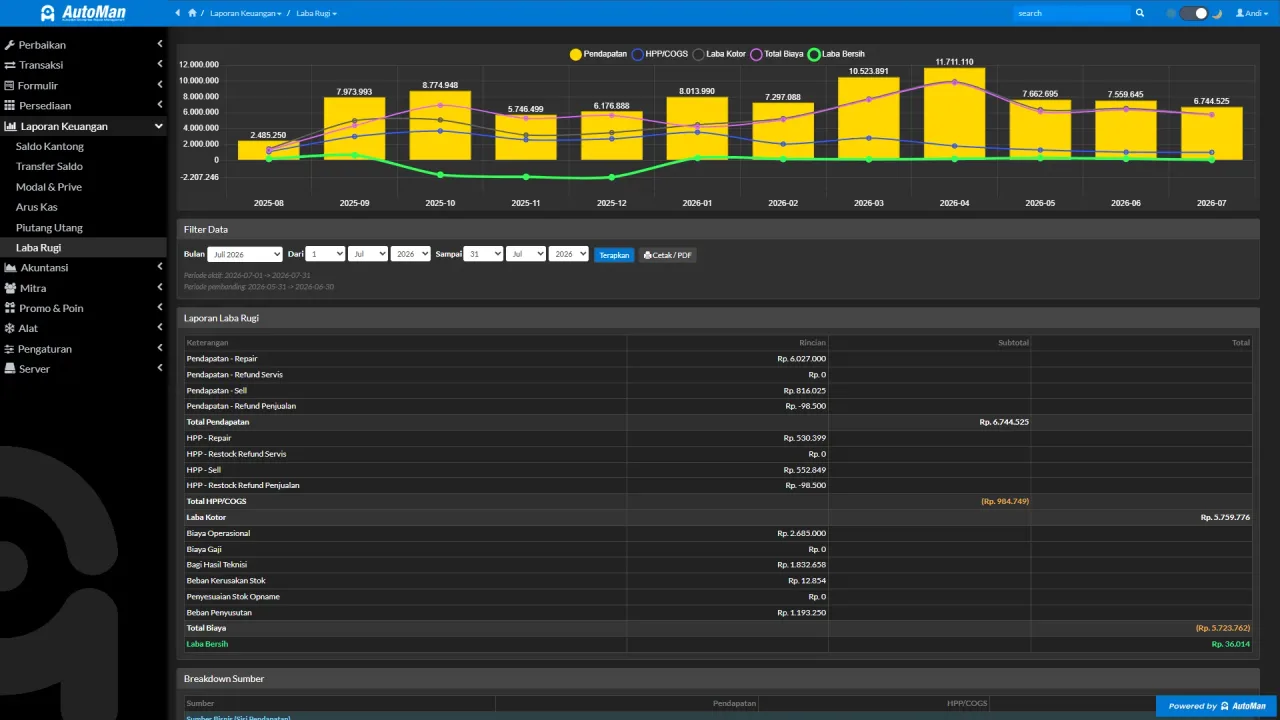
2. The cost of wrong data — the largest component nobody bills you for. A cheap app that lets COGS drift, stock slip, or returns get scribbled erodes profit far beyond any fee difference. Not rhetoric — count it:
3. Learning & migration cost — the team’s adaptation time, and moving old data. One-time, but real. Ask: can it import from Excel? Is there a gradual setup path?
4. The switching cost (most often forgotten) — if the app maxes out as your shop grows, you pay everything twice: learn again, migrate again, and risk losing history. The cheapest app you must replace in two years costs more than the one that grows with you.

Common pricing patterns (and how to read them)
Without naming brands, the offers you’ll meet usually follow one of these shapes:
- Free forever, basic features — honest as long as the limits are explicit; beware when the correction features (returns/edits) are what’s locked, because those are precisely what tests a system.
- Monthly/annual subscription — healthy and common; make sure you compare equivalent configurations (users, modules).
- One-time purchase — looks thrifty long-term; ask what updates cost and what happens when you need new features.
- Cheap up front, add-ons behind — a low base rate where every real need (reports, WhatsApp, multi-user) is an extra. Total the full package before comparing.
One reading principle: compare the configuration you’ll actually use, not the shelf price.
Where Automan stands — with open numbers
So this article doesn’t end like an ad hiding its own figure: Automan’s core modules (Lite) are free — not a trial — covering the repair shop’s core workflow. The Pro subscription is a small monthly fee for the full capability. The exact numbers, limits, and latest details always live on the pricing page — if this article ever disagrees with that page, the pricing page wins.
“How can it be that affordable” is a fair question — answer it the fairest way: test with the demo questions that expose weak apps, the same ones we suggest you bring to any vendor.
The checklist before deciding
- Sum all four components above for each candidate — not the fee alone.
- Count the hidden costs of your current method as the baseline.
- Test candidates with ugly scenarios (a return on an unpaid invoice, stock bought at different costs) — not the smooth demo.
- Confirm a growth path without switching: simple first, full system later.
A good price isn’t the smallest number — it’s the smallest total after the data is right, the team is fluent, and the shop can grow without moving house.