

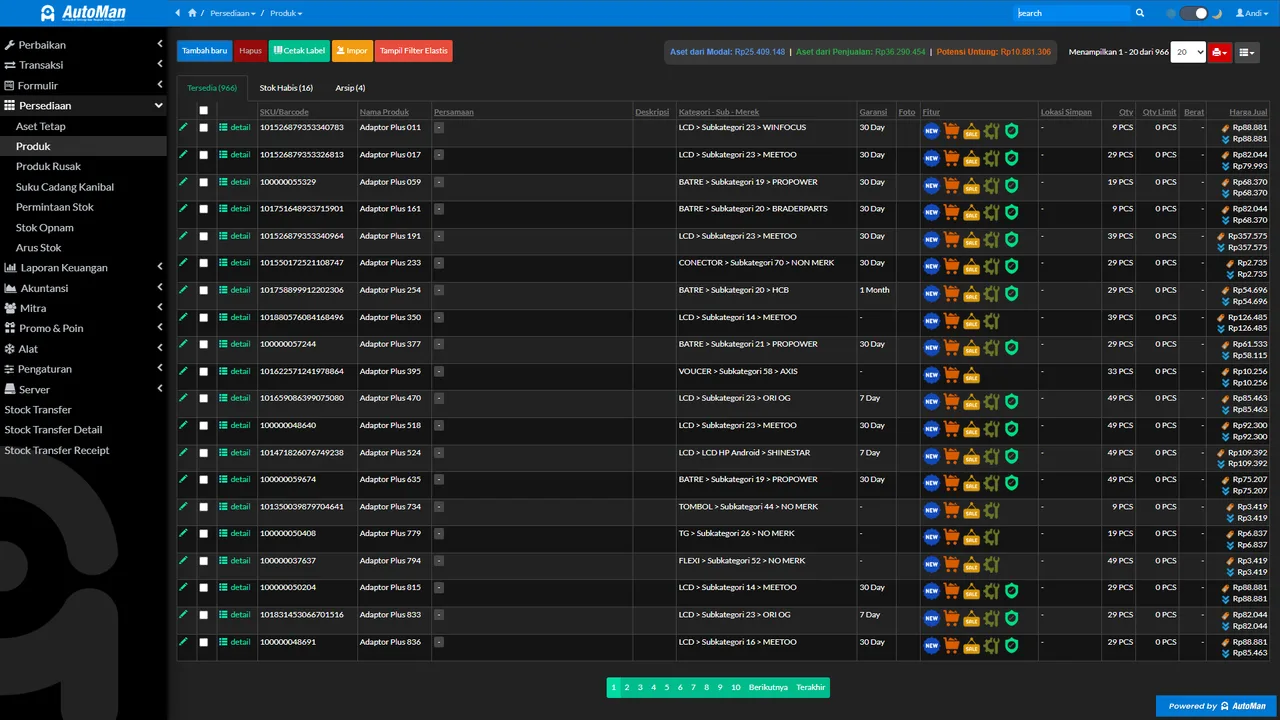
 An Automan screen related to this article.
The problem
When the shop is busy, finding one unit among dozens in the queue — or one part on a crowded shelf — eats time and invites wrong picks.
The tip
Give things a physical identity: print barcode labels for repair units and frequently searched products. Finding an item changes from deciphering handwriting to a single scan.
Practical steps
- Set the label format to your shop’s needs (repair unit labels, product labels).
- Print the barcode at check-in, or when a product is registered.
- Stick it somewhere safe and consistent — the unit’s bag, the shelf, or the packaging.
- Scan when searching, moving, or transacting.
When to use it
Shops with a long repair queue or a wide variety of parts in stock. The busier the shop, the bigger the time difference you’ll feel.