

This question arrives from two directions: laptop shops hesitant about “phone repair software,” and phone shops that started taking laptops and wonder if they need a second system. The short answer is a relief: the workflow is the same; the data differs — and the right system lets you define the data yourself.
What’s genuinely identical: the backbone
Dissect both workflows and you find the same skeleton: a customer-owned unit is received (condition and accessories recorded) → queued → diagnosed and worked by a technician → consumes parts from stock → tested → handed over with a warranty → and occasionally comes back as a complaint or a warranty claim.
Every system need born from that flow is identical too: clear statuses, receipts with tracking codes, technician work records, parts deducting from stock, commissions, reports. Not one of them is “phone-specific.”
What differs: the contents of the data
The real differences sit in three places — and all three are data, not workflow:
1. Device identity & fault types. Laptops bring their own vocabulary: different brands and series, different classic faults (broken hinges, keyboards, SSD swaps, RAM upgrades, OS reinstalls — not phone screens and charging ports). Services and price schemes are a different class too.
2. Parts that vary more per unit. Laptop parts are often series-specific (an A456 keyboard ≠ A455) — disciplined product naming matters even more; the data standard is the same, the consistency bar is higher.
3. Longer, more staged jobs. Reinstalls wait for backups, parts get back-ordered more often — statuses like Waiting for Parts and per-status queue limits earn their keep even harder.
The key: lists you fill in yourself
This is where “does it work for laptops?” gets a technical answer. A rigid system bakes its brand and fault lists into the product — it really is “phone repair software” forever. The right system puts them in lists you can edit yourself: brands, fault types, services, part categories — all filled in to match your shop:
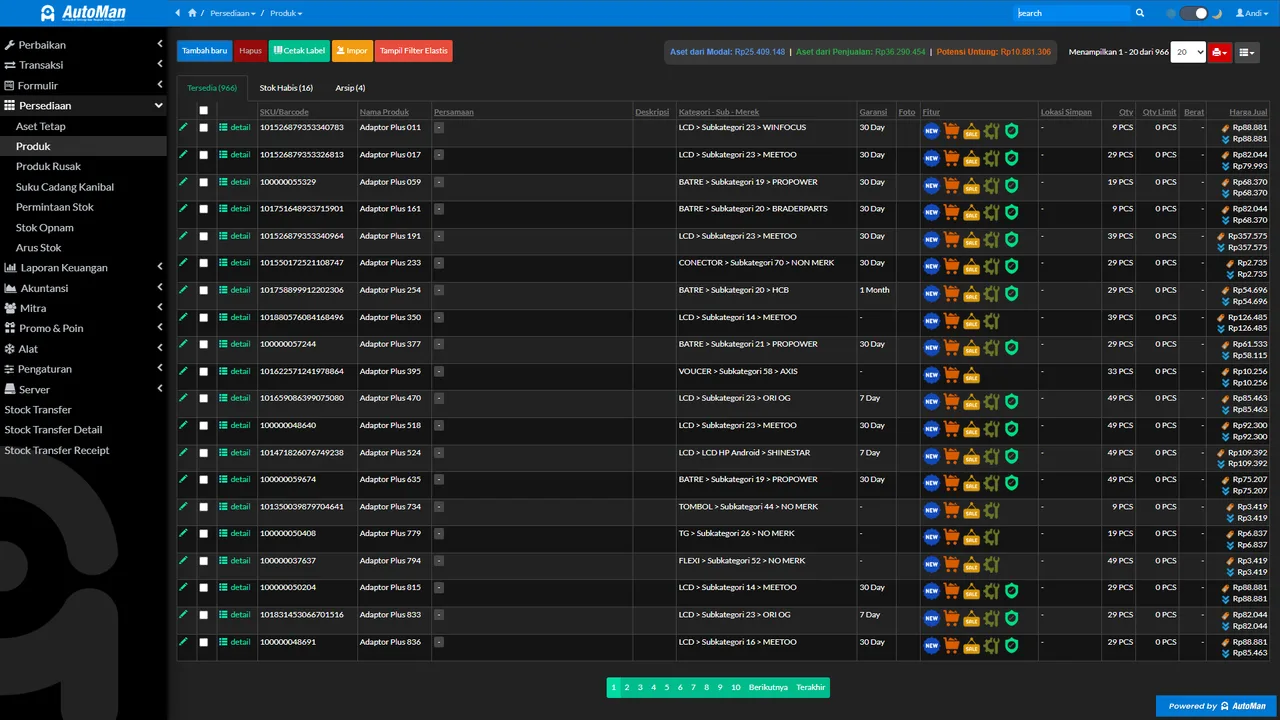
The sweet consequence for mixed shops (phones and laptops): no second system needed. One workflow, one register, one set of reports — with lists spanning both worlds.

The extra checklist for laptop shops choosing software
Beyond the general criteria, three things worth extra scrutiny: (1) the brand, fault-type, and service lists are yours to fill (not a locked built-in list); (2) parts can be named and categorized as finely as laptop series demand; (3) queue statuses support long jobs and parts-waiting without units going missing.
If all three check out, the “phone repair” label on the category is irrelevant — what you’re buying is a mature repair workflow. Start from repair management, and fill the lists with your world.