

Shop Website
Run Your Own Shop Website Without Hiring a Web Designer
Prospective customers frequently look up your repair shop online before trusting you with their devices. Assemble your own official website with a live catalog, status checker, and custom domain directly inside Automan without hiring a developer.
- Web
Free to start · no credit card
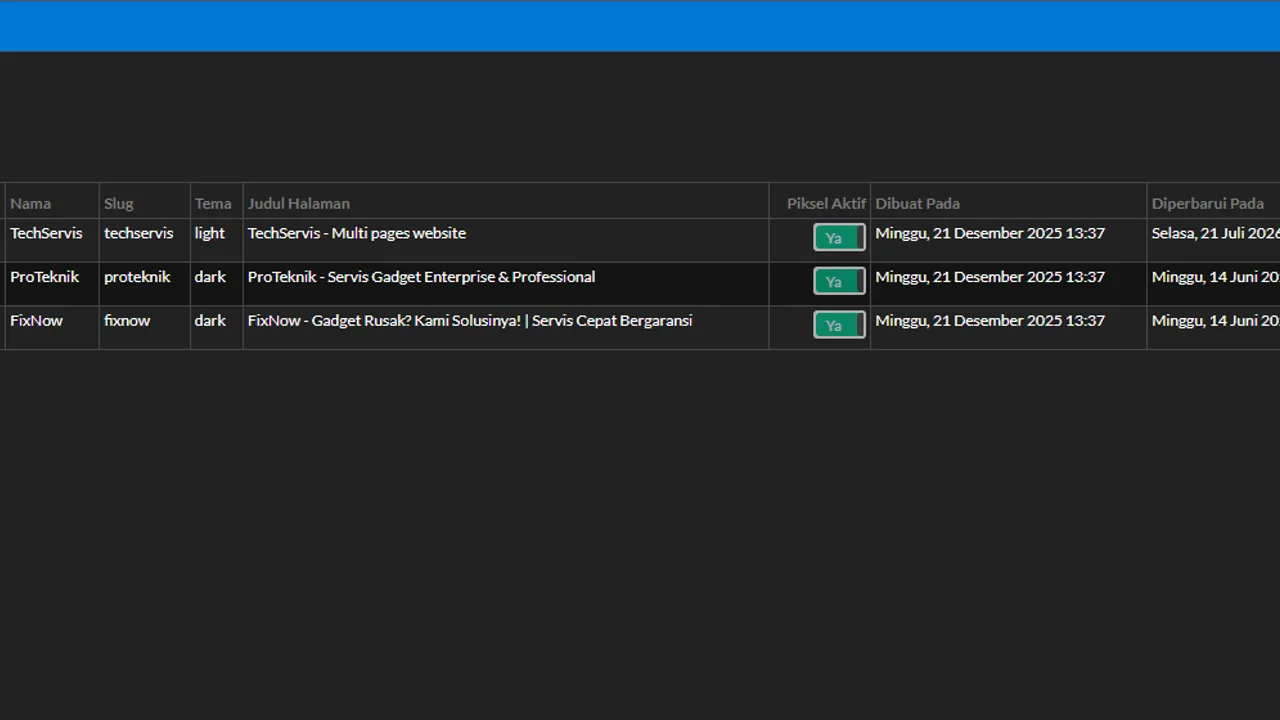
How it works
From first use to everyday habit.
-
Create page and choose slug
Set your page name, a clean URL slug, and select the matching color theme for your shop.
-
Stack blocks and add content
Pick ready-made blocks including company profiles, services, reviews, live catalog, and a repair status checker.
-
Set up SEO and ad pixel
Add meta titles, descriptions, a browser tab favicon, and connect your Meta Pixel tracking ID.
-
Publish and link custom domain
Switch the page to published so visitors can view it, then connect your custom web address.
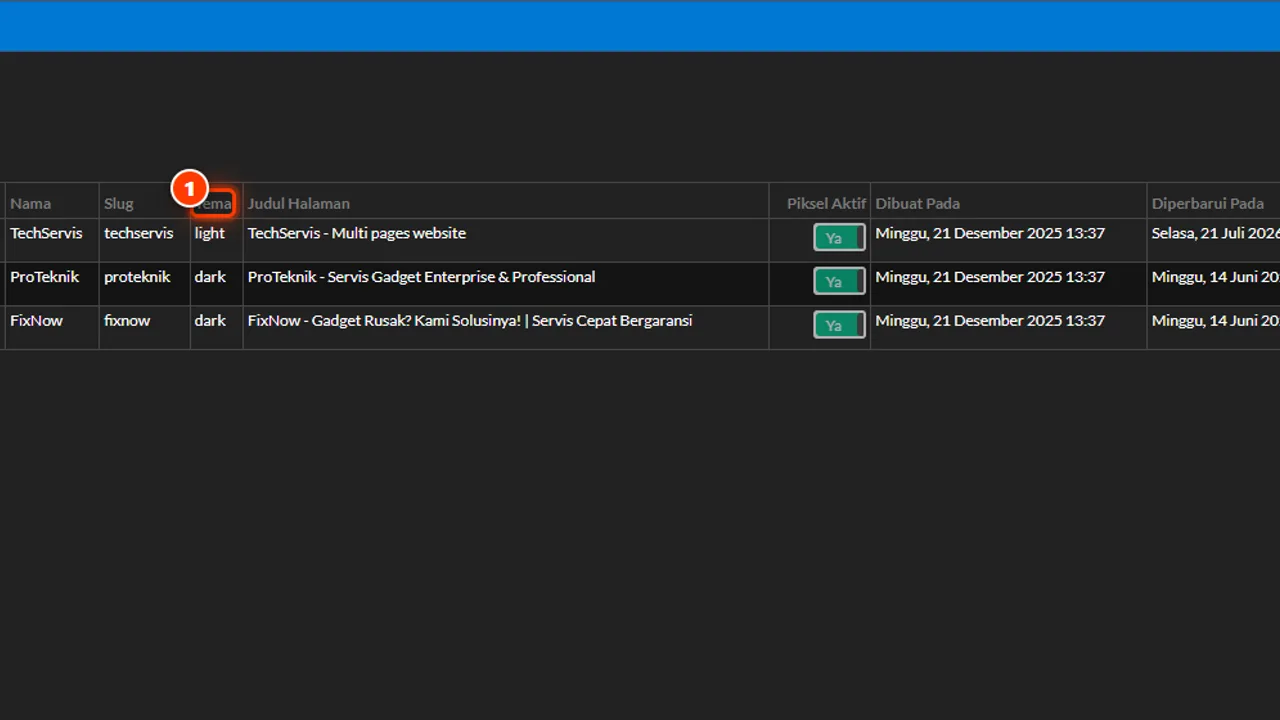
What it does
19 Ready-Made Building Blocks
Assemble profiles, galleries, services, reviews, and contact forms without writing a single line of code.
Live Catalog Linked to Stock
Showcase store items automatically with WhatsApp ordering buttons that mention the exact item name.
Self-Service Repair Status
Customers verify device repair progress using their ticket code, keeping your staff free from repetitive messages.
Meta Pixel Conversion Tracking
Track conversions from visits and WhatsApp clicks to purchase intents, ensuring every ad dollar counts.
Your Own Web Domain
Brand your website and store app with your custom domain to establish instant customer trust.
Automatic URL Redirects
Visitors using default links automatically forward to your custom domain without landing on broken pages.
The full picture
Most people looking for phone or laptop repairs search on their mobile screens long before visiting a physical store. Without an official web address, prospective clients only stumble upon vague map pins with no clear service fees, operating hours, or warranty policies.
The Store Website Builder bridges that divide. You can establish a clean store website, showcase products, offer an independent repair status checker, and connect your own domain directly from within Automan.
Prospective clients look for certainty before stepping into your shop
Many repair shop owners rely strictly on word of mouth or casual social media posts. The trouble is that prospective clients hesitate when they search for your business name and find only sparse details with no clear list of repair capabilities.
Hiring a web agency often involves steep setup costs and protracted communication loops. Whenever parts pricing changes or a service offer updates, you have to contact an outside designer just to edit a single sentence.
Consequently, shop websites often sit neglected and outdated. The Automan Site Builder eliminates that bottleneck, giving you total control over your digital storefront without technical barriers.
Assembling pages from ready-made blocks without code
The Site Builder centers on visual assembly. You do not need web programming skills or layout design experience starting from a blank screen. Every page comes together through nineteen ready-made building blocks that you can stack, edit, and reorder.
Available blocks include hero banners, business introductions, service lists, repair photo galleries, client testimonials, technician profiles, transparent pricing tables, frequently asked questions, location maps, and contact forms. Any block can be activated, temporarily hidden, or moved up and down at will.
You can also adapt the visual identity of your website. Automan provides color themes, background gradients, text colors, and call-to-action button styling to reflect your physical workshop branding. Before making it live, you can preview the mobile layout to verify readability under bright outdoor light.
A live catalog and repair status box directly on your website
Two vital needs for any repair shop are selling accessories or devices and giving clients peace of mind regarding ongoing work. The Site Builder provides two specialized blocks connected directly to your shop data:
- Live catalog linked to inventory: Displays selected merchandise drawn directly from your Automan inventory records. Visitors can view photos, check prices, and tap a WhatsApp order button that automatically mentions the selected item name. You can also enable category filters and a search bar for larger inventories.
- Self-service repair status checker: Clients simply type in their ticket code to check repair milestones independently. You choose which repair details remain visible to the public, keeping clients informed without interrupting technicians or front-desk staff with repetitive phone calls.
These two capabilities save daily operational time by delivering accurate information to customers around the clock.
Measuring advertising success with Meta Pixel tracking
Running paid social media promotions often leads to wasted budget if you cannot see what visitors do after landing on your website. Inside the Site Builder, you can install Meta Pixel tracking identifiers at the page level or on specific blocks.
The system allows you to record key events, including page visits, product views, WhatsApp contact button taps, prospective leads, and order actions. With clear conversion data, you can evaluate your advertising spend and focus marketing efforts on offers that bring genuine foot traffic to your counter.
Beyond ad tracking, you can configure search engine titles, meta descriptions, search keywords, and browser tab favicons so your links look credible across chat messages and search engines.
Establish trust with your custom web domain
Your repair shop website can open on your personal domain name using the Custom Domain module. Your business identity appears directly in your client’s browser bar rather than a generic platform URL.
URL redirection operates automatically: if a visitor clicks an older platform link, the system forwards them permanently to your custom domain on the exact page they requested. Service tracking links and automated WhatsApp reminders sent to customers also feature your domain, reinforcing trust and professionalism across every client interaction.
The system also prevents any other shop from claiming an already registered domain, keeping your business identity protected.
Setting up your shop’s official website
The Store Website Builder and Custom Domain modules are paid add-ons — details on the pricing page. Repair shops on the foundational Automan Lite plan enjoy core daily operations without subscription fees, and can activate these website tools whenever their growth demands it.
You can begin drafting your first storefront page by following our step-by-step Site Builder tutorial. Gather genuine photos of your workshop, detail your primary services, and launch an official web presence to attract more clients in your neighborhood. If you want to explore the workflow beforehand, feel free to navigate the Automan interactive demo.
Custom domain prerequisites and what happens if disabled
The Store Website Builder and Custom Domain modules are paid add-ons. The product showcase and service-status checker blocks draw from your live inventory and repair tickets, so they populate once that data exists. To use your own domain, you must already own the domain name and your store must be using an Automan premium address. If the Site Builder module is turned off, the Tools → Site Builder menu locks and visitors will see a notice that the module is inactive. Your saved pages are not deleted and will reappear once the module is re-enabled.
FAQ
Does building a store website in Automan require coding skills?
Does the website product showcase connect to store inventory?
How does the service status checker block work on the website?
Can I use my own custom domain name for the website?
Are the Store Website Builder and Custom Domain modules paid?
Related reading
- Tutorial
Build a shop website in Pembuat Situs
Step-by-step tutorial on assembling pages and tracking ad conversions.
- Feature
Repair Tracking & QR Labels
Allow customers to check their device repair status transparently.
- Feature
Customer Acquisition Tools
Identify customer sources and measure promotional performance.
- Feature
Online Forms & Booking
Receive repair bookings and orders through self-service web forms.
Already know the problem?
See the workflow demo that matches it.