

Repair Returns in Automan
A unit you already handed over is back on your bench. The part failed, the work was disputed, or the customer changed their mind.
The question is always the same and always awkward: what happens to the part, and what happens to the money. Automan forces both to be answered rather than left hanging.
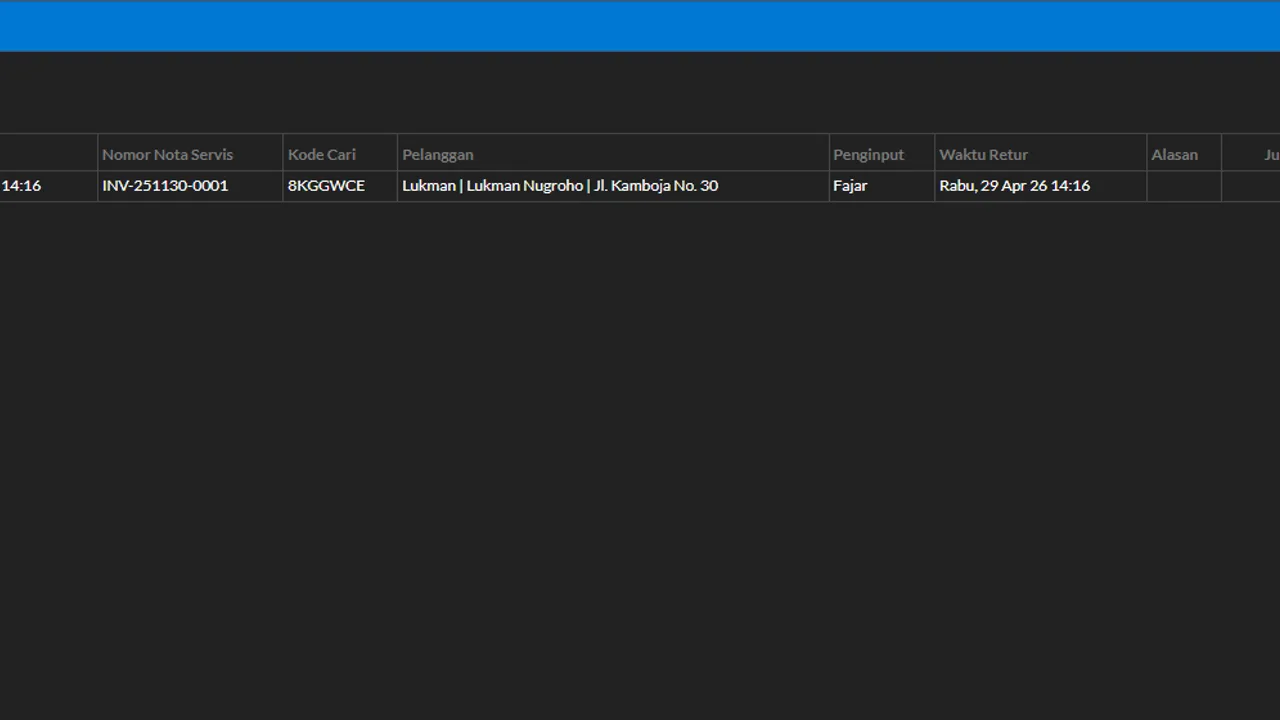
Two things make Automan’s returns safe to follow: a return always points at its source transaction (no delete-and-recreate), and the decisions asked of the cashier are clearly bounded — which items, what condition, which compensation. The value math and status recalculation are the system’s job.
Before you start
- The source repair transaction exists in the system.
Steps
-
Open Repairs → Returns
A repair return is recorded as its own transaction — never by editing or deleting the source receipt.

A return = its own transaction, never editing/deleting the source. -
Pick the source repair transaction
A return always points at its source receipt, so values and history stay connected.

Returns always point at the source receipt so history connects. -
Pick the items being returned
Mark the services/parts coming back; the qty can't exceed what's still returnable.

Return qty can't exceed what's still returnable. -
Decide the goods' condition
Restock (fit to return to stock), Damaged (into the damaged-stock pool — can continue into a supplier claim), or Loss (written off).

Condition decides the goods' path: shelf, damaged pool, or write-off. -
Decide the compensation
A refund, or an identical replacement (same-product) per the rules. On an unpaid receipt, the return value offsets the outstanding debt first — a refund covers only the excess.

On unpaid receipts, the return value offsets the bill first. -
Save the return
The system recomputes the source receipt's payment status automatically.

Settled/unsettled on the source receipt is recomputed by the system. -
Check stock, payment status, and the source transaction's notes
Confirm stock moved per the chosen condition and the source receipt's status was recomputed.

Confirm stock moved per the chosen condition.
What you end up with
Returned goods recorded as a return transaction pointing at the source receipt; stock, debts/receivables, and reports corrected through a traceable path.
If something goes wrong
The return qty gets rejected
Qty can't exceed what's still returnable on the source transaction — check earlier returns on the same receipt.
The replacement can't be chosen freely
Deliberate: the replacement must be the same product (same-product) so cost prices and reports stay accurate.
The customer wants their money back rather than a re-repair
That is your shop policy, not a system limit. Automan records whichever compensation you choose. What must stay consistent is this: whatever you decide, the fate of any parts already used still has to be recorded.
Is this still under warranty or is it a new fault
Compare it against the earlier job history and the warranty period printed on the collection receipt. If the complaint differs from what was originally repaired, it is a new job rather than a return.